Design shaped around the people using it.
Helmsman designs digital products: user research, flows, interface design in Figma, design systems and prototypes for apps, web platforms and dashboards. Design comes before development, so screens are built around the people who will use them every day, and the same team can carry the design into a working product.
Last updated
Who needs UI/UX design?
You probably need it if…
- People open your app or platform and cannot find what they came for.
- Your product grew feature by feature, and now every screen looks a little different.
- Users give up halfway through signing up, booking or buying.
- Developers are about to start building and nobody has drawn the flows.
- An internal tool works, but is slow and tiring for the team that uses it all day.
What does UI/UX design include?
- 01
UX research
Learning how people actually work
Conversations with users and a look at how they work today, so design starts from real tasks rather than assumptions.
- 02
App audit
Where the current product loses people
A review of an existing app or platform to find where it feels confusing, cluttered or impersonal, before anything is redesigned.
- 03
User flows
The shortest path to each task
The journey through the product mapped step by step, so each common job takes the fewest screens.
- 04
Interface design
Screens designed in Figma
Screens designed in Figma for mobile, tablet and desktop, with a visual language that fits the brand.
- 05
Design systems
One set of parts for every screen
Reusable components, colours and type rules, so new screens stay consistent and developers build from one source.
- 06
Prototypes
Try it before it is built
Clickable prototypes that let you and your users walk through the product before development starts.
- 07
Dashboard & web app redesign
Clearer tools for daily users
Redesigns of dashboards and internal web apps around how the people using them actually work.
How does Helmsman deliver UI/UX design?
The full approachDesign at Helmsman follows understanding. Before a screen is drawn, the team learns who the users are, what they come to do and where the current product, or the current way of working, gets in their way. For an existing product, that can begin with an audit of where it loses people.
Flows come first, then screens in Figma, then a design system and prototypes you can review and walk through with users. Because Helmsman also develops, designs are made to be built, and the same team carries them into working software and keeps refining them after launch.
- 01UnderstandProcess map
- 02AnalyseRequirement document
- 03ArchitectSolution structure
- 04DesignScreens and flows
- 05DevelopWorking software
- 06ImplementLive system
- 07EvolveOngoing support
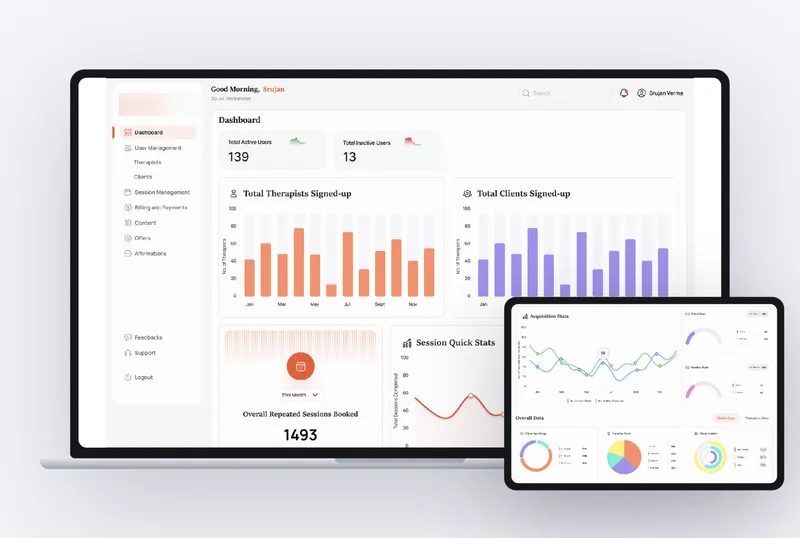
One platform, three products
A therapist matching platform in India: client app, therapist panel and the admin system that runs the business.
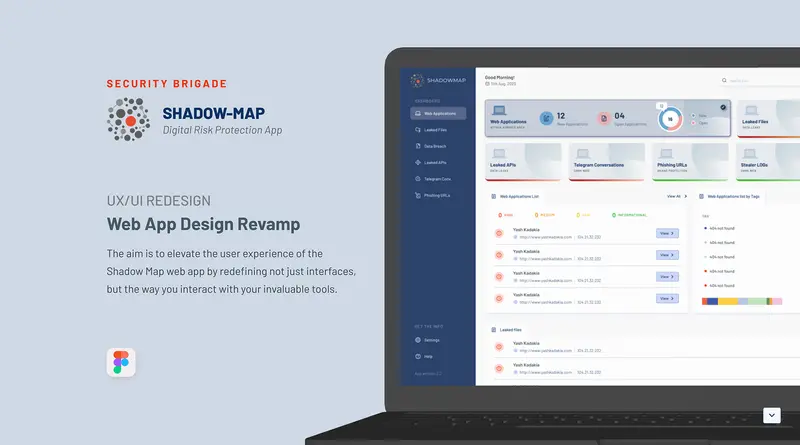
Shadow Map
A redesign of Security Brigade's digital-risk-protection dashboard and internal web app.
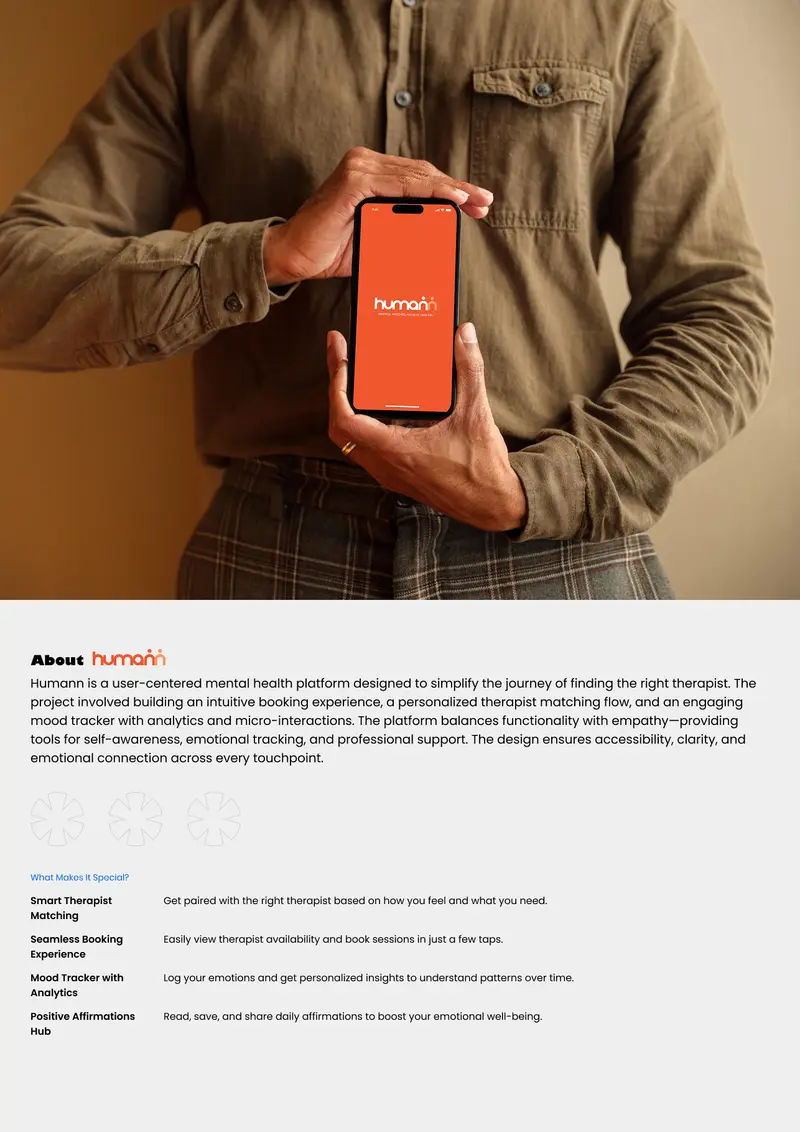
Humann
A mental-health app that matches people with the right therapist and makes booking easy.
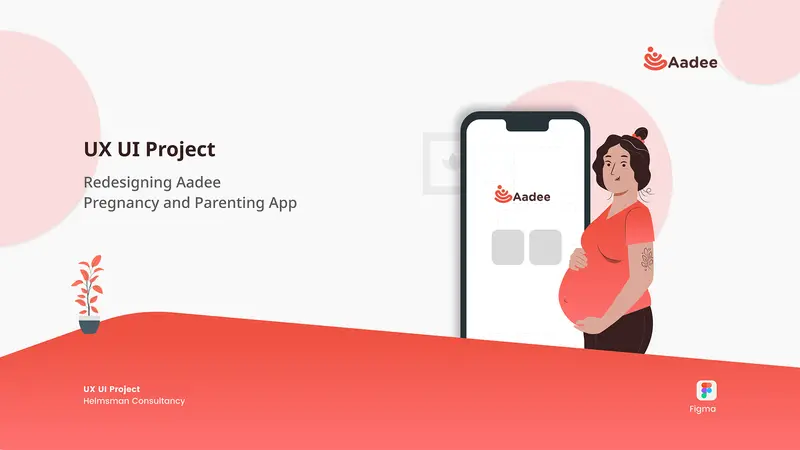
Aadee
A pregnancy and parenting app, redesigned to be warmer and easier to follow.
Kypson
A mobile app that turns ordering custom packaging into a few guided steps.
Panmedical
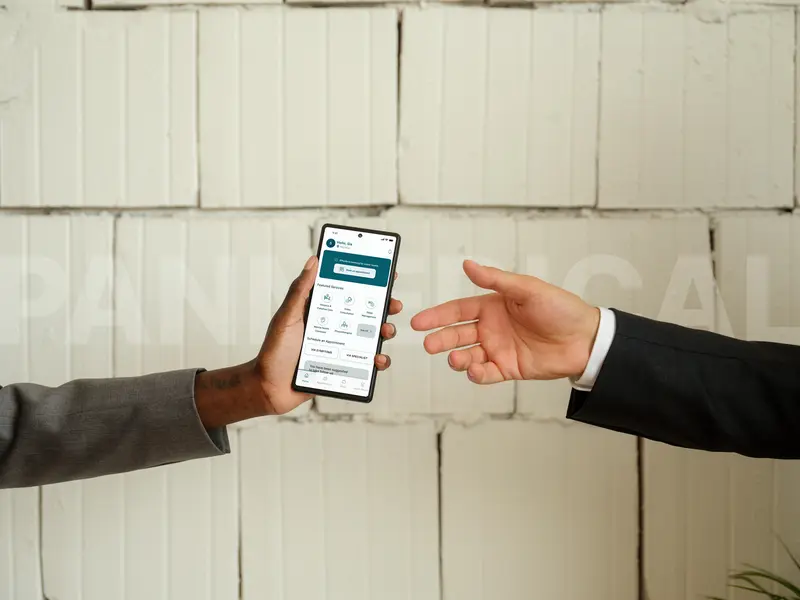
A healthcare app with two sides: patients book and consult, doctors manage their practice.
Industries we build this for
Read before you decide
UI/UX design questions, answered.
What is the difference between UI and UX design?
UX (user experience) design decides how a product works: who uses it, what they need to do and the steps to get there. UI (user interface) design decides how each screen looks and reads. Helmsman does both, starting with UX.
Which design tool do you use?
Figma. The app and website designs in the Helmsman portfolio are designed in Figma.
Can you redesign an app we already have?
Yes. A redesign can start with an audit of where the current app confuses or loses people. The portfolio includes redesigns of a pregnancy and parenting app and of a cyber security dashboard and internal web app.
Can Helmsman also build what it designs?
Yes. Helmsman designs and develops end to end, so a design is carried into a working product by the same team and connected to the systems behind it.
Where can we see your design work?
On Behance at behance.net/Helmsman-Consultancy, and in the work section of this site, which lists each app, platform and website project with its scope and the tools used.