Modernise, and keep what your system knows.
Data migration moves master data and open balances from old systems and spreadsheets into a new one, checked line by line, with full history moved when you want it. Legacy modernisation rebuilds software a business has outgrown while keeping the rules and knowledge built into it. Helmsman does both in stages, and rolls the new system out department by department rather than all at once.
From $3,000Typically $3,000 to $80,000See pricing
Last updated
Who needs legacy modernisation?
You probably need it if…
- The old system still works, but only one person knows how.
- It cannot connect to anything new, so every new tool means more re-typing.
- Years of records are locked in software nobody wants to touch.
- Every report needs an export, a spreadsheet and an afternoon.
- The same customer or item exists under several names across old systems and sheets.
What does legacy modernisation include?
- 01
Legacy assessment
What to keep, what to replace
A review of the old system: what it does well, which rules are built into it and which parts have aged out, so only what needs replacing is replaced.
- 02
Business rule recovery
The knowledge inside the old software
The calculations, approvals and exceptions buried in old software and spreadsheets written down and carried into the new system, so the rules the business depends on come across with it.
- 03
Data cleansing
Clean records before the move
Duplicates merged, old records tidied and master lists standardised before migration, so the new system starts with data people trust.
- 04
Master data & history migration
Years of records, moved and checked
Customers, vendors, items and balances moved from old systems and spreadsheets into the new one, with transaction history moved too when you want it.
- 05
Reconciliation
Totals that match before go-live
Counts and balances checked between the old system and the new one, so every figure moved can be accounted for.
- 06
Phased go-live
Department by department
The new system goes live one department at a time, with users trained before their switch, instead of everything changing on one day.
- 07
Connections to what stays
Old and new, working together
Where some systems stay, they are connected to the new one, so information keeps moving between them during and after the change.
How does Helmsman deliver legacy modernisation?
The full approachModernisation starts with the old system, not the new one. Helmsman studies what it does, talks to the people who rely on it, and writes down the rules, calculations and exceptions it has quietly carried for years. That record decides what is rebuilt, what is connected and what is left alone.
The new system is then built in stages and the data is prepared alongside it: cleaned, mapped field by field and trial-migrated before the real move. Go-live happens department by department, with totals reconciled between old and new and users trained before their switch. After that, the Evolve stage keeps the system from ageing out again.
- 01UnderstandProcess map
- 02AnalyseRequirement document
- 03ArchitectSolution structure
- 04DesignScreens and flows
- 05DevelopWorking software
- 06ImplementLive system
- 07EvolveOngoing support
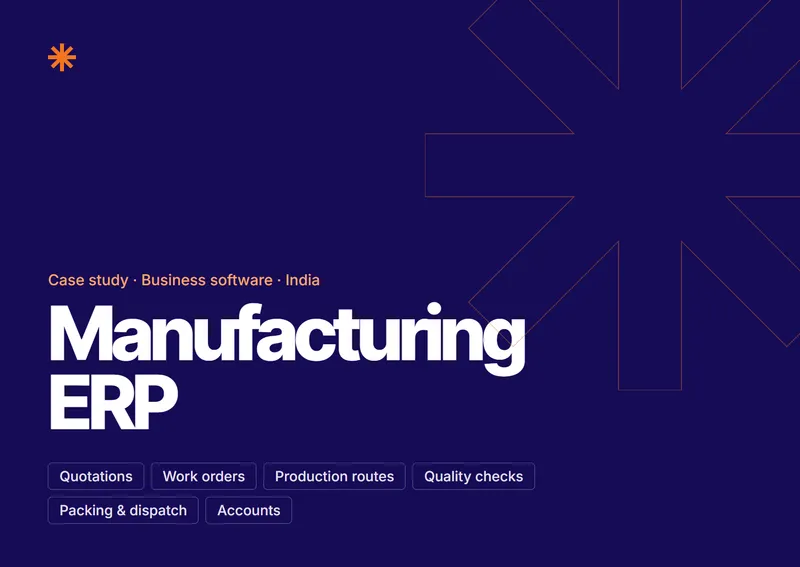
From quotation to dispatch, on one record
An industrial filter manufacturer in India: sales, production routes, stores, dispatch and accounts in one ERP, replacing an older system.
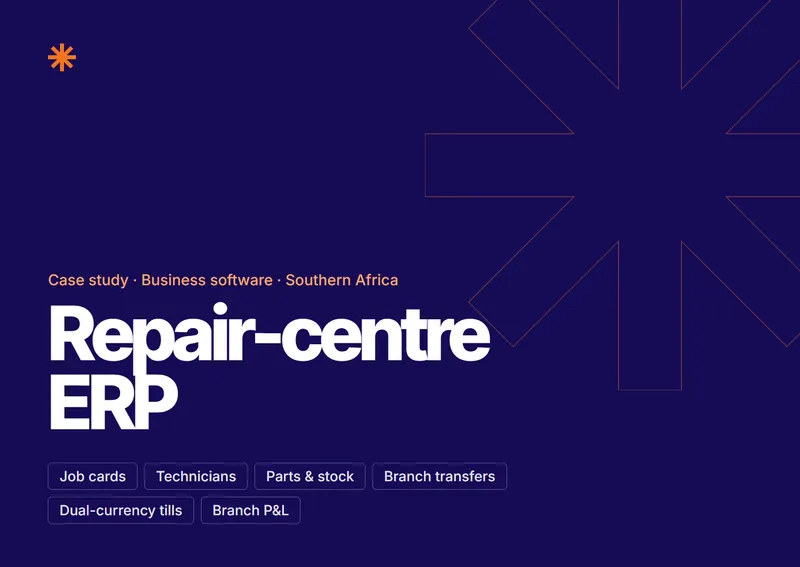
Every repair, from counter to collection
A mobile-repair chain in Southern Africa: job cards, technicians, parts, branches and accounts in one ERP.
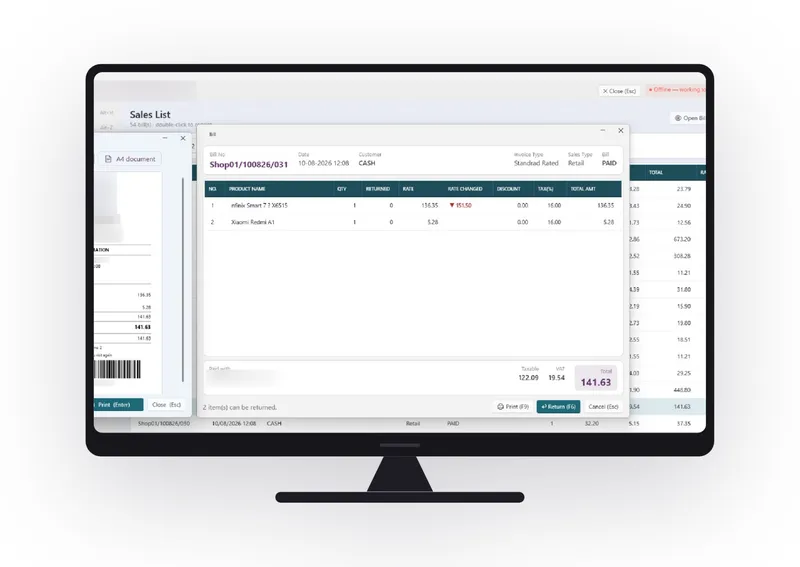
Retail billing, and the numbers behind it
A multi-store electronics retailer in the UAE, with a point of sale built to run the counter and answer head office.
Industries we build this for
Modernisation questions, answered.
What is legacy modernisation?
Legacy modernisation is rebuilding or replacing software a business has outgrown, while keeping the rules and knowledge built into it. It can mean a full rebuild, or replacing only the parts that have aged out and connecting the rest.
Do we have to replace our old software all at once?
No. Helmsman modernises only what has aged out, connects what still works, and rolls the new system out department by department.
How do you move our data without losing anything?
By cleaning it first, mapping every field from the old system to the new one, and reconciling counts and balances after the move. Master data and open balances are migrated in the Implement stage, department by department, with full history moved when you want it; otherwise it stays readable in the old system.
Can you migrate data from Excel spreadsheets?
Yes. Master data and history can be moved from spreadsheets as well as from old systems. They are cleaned and standardised first, because a spreadsheet often holds the same customer or item under several names.
What if nobody fully understands how our old system works?
It can still be modernised. Helmsman studies the old system, talks to the people who use it and writes down the rules it follows before anything is rebuilt.
Can you migrate us off NetSuite?
Yes, and we have done it: a client's books were moved off NetSuite into a custom ERP, and the opening trial balance matched to the cent. NetSuite's own export does not cover all data, so the move is planned with your administrator, period by period.
Who owns the data after migration?
You do. Your data stays yours during the project and after it ends, and every project is covered by an NDA.